Last week I started a new blog series called what I wish I had known about blogging. It took me 6 years before I knew anything about monetization, SEO, and how to grow my blog. But when I dove in…I truly dove into learning. I wish someone had held my hand and shared with me all of the things that they knew. So, that is my mission in those posts are to share with you (whether you are a blogger currently or wanting to start a blog) all that I have learned. Today, I am covering blog layout basics.
Step #1 - Blog Layout
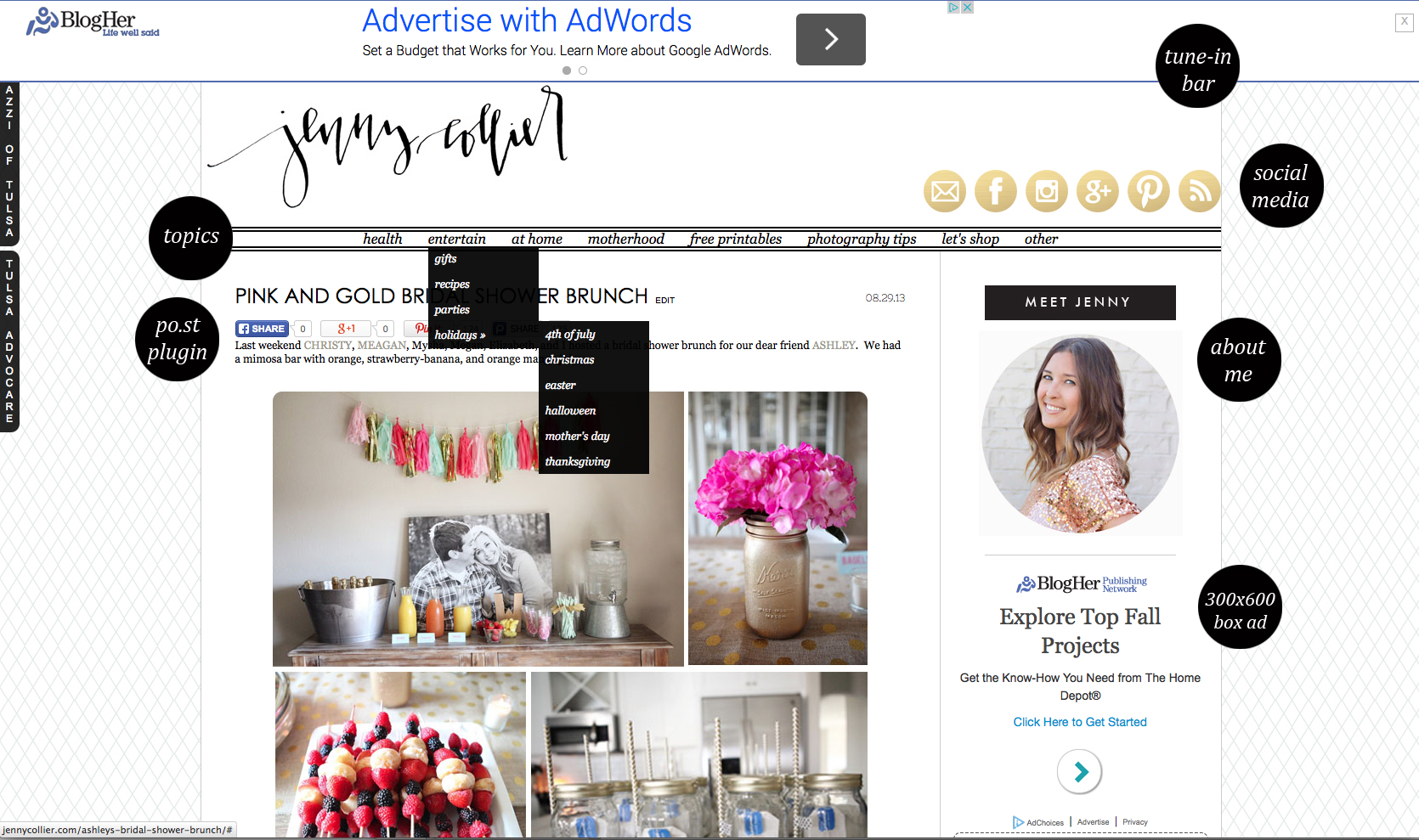
When I started researching how to monetize my blog I realized that the layout of my blog was all wrong and I needed to move things around if I was going to display ads. The best paying ads are those that are placed “above the fold” (above the fold = what is seen when the page loads & without having to scroll down). I have tweaked my layout over time but I wanted to point out a couple of key factors.
- Menu - Before doing any research at all my menu consisted of things like “about me”, “contact”, and links to my other business ventures. I quickly learned that since so much blog traffic is driven from Pinterest and Google a new reader needs to be able to look at your site and tell what it’s about within seconds without scrolling through blog posts. Therefore, your main blog topics should be listed within that menu. Plus, when you start monetizing your blog clicks are important! The more times a reader clicks around on your site the better. You want to place as much as you can to peak their interest within their immediate view.
- Social Media - Links to all of my social media accounts as well as a button to contact me via email off of that prime real estate known as the menu.
- Po.st Plugin - A social media sharing plugin that can also be monetized (I will discuss more on that in the monetization section).
- About Me - My about me leads to a separate page where my readers get to know a little more about me and why I write this blog.
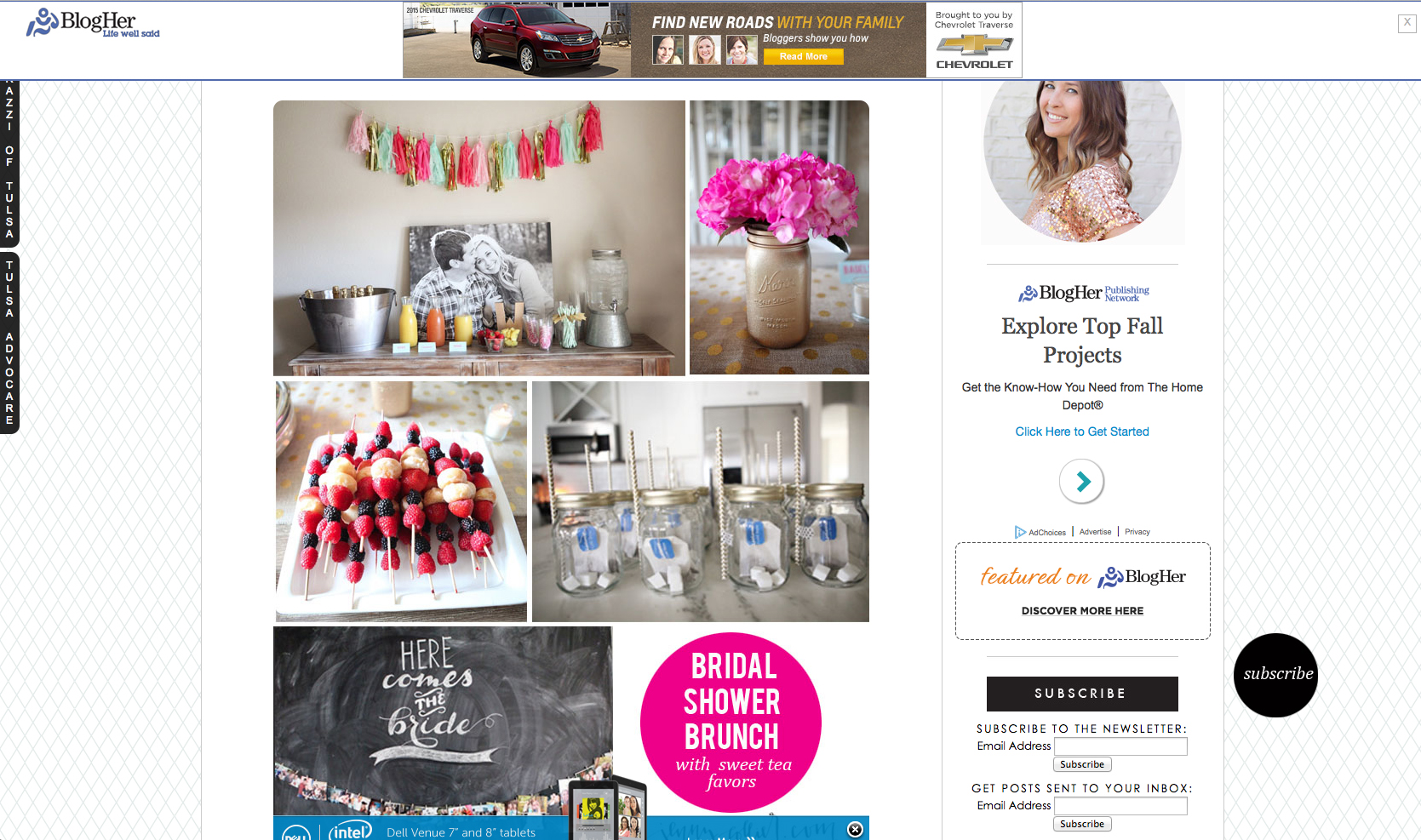
- Subscribe - I’ve learned over the last year how important your email list is and why it’s absolutely necessary to have a newsletter and communicate with your audience via email vs only relying on social media. Your email list is full of people who want to hear more from you. They are highly targeted people who are interested in what you have to offer or what you have to say. Make sure you have not only the option to receive posts via email but also to subscribe to your newsletter.
- Social Media Feeds - While I do have my social media icons listed at the top of my blog I have seen far more likes and follows since adding the widgets to my sidebar. Readers can like my Facebook page without even going over to Facebook! And they can like my Instagram page without having to pick up their phone and find me via my handle.
- In-Image Ad - These types of ads are something my ad network, Blogher, does. I’ve added these and in-text ads as a way to layer my ads and increase my revenue.
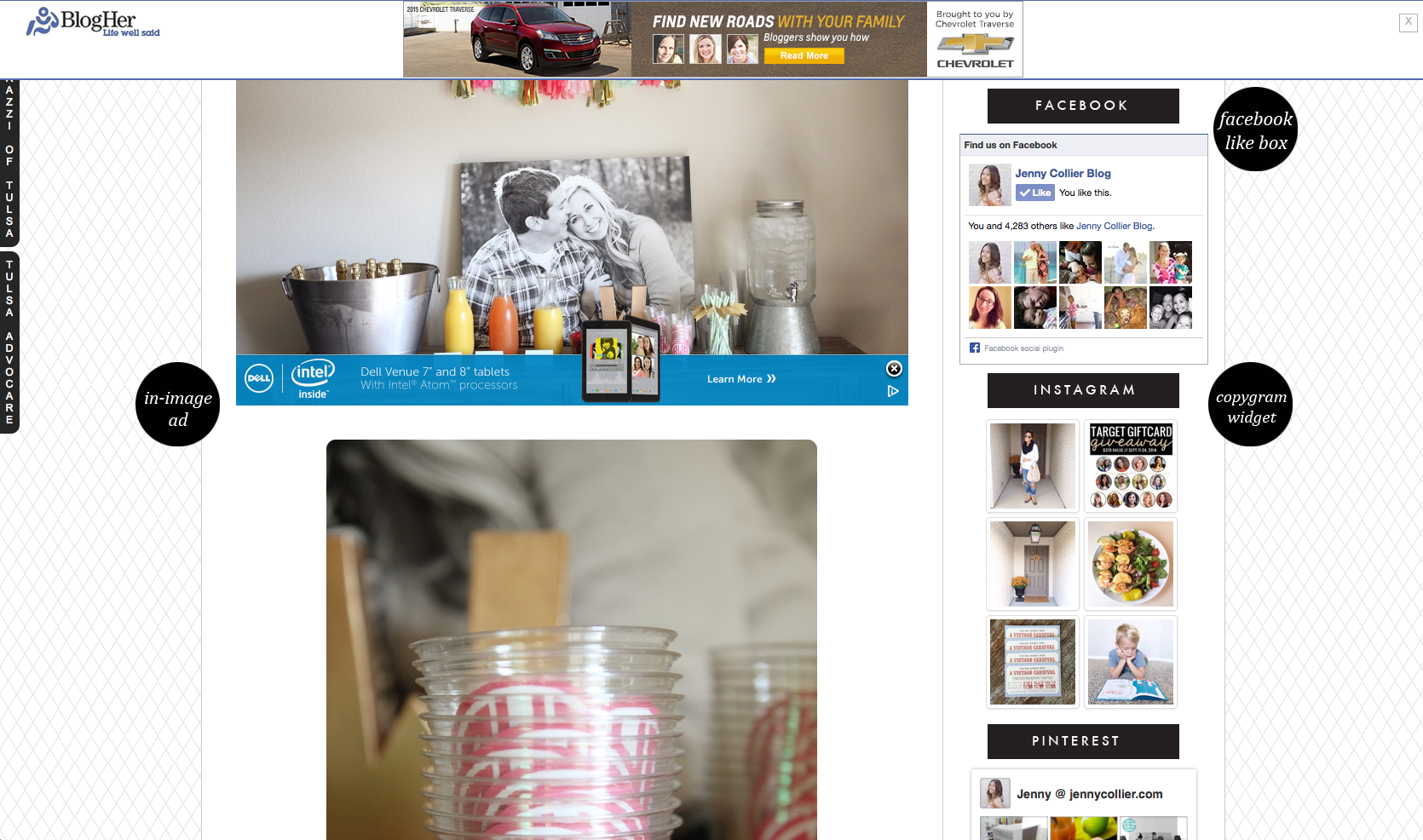
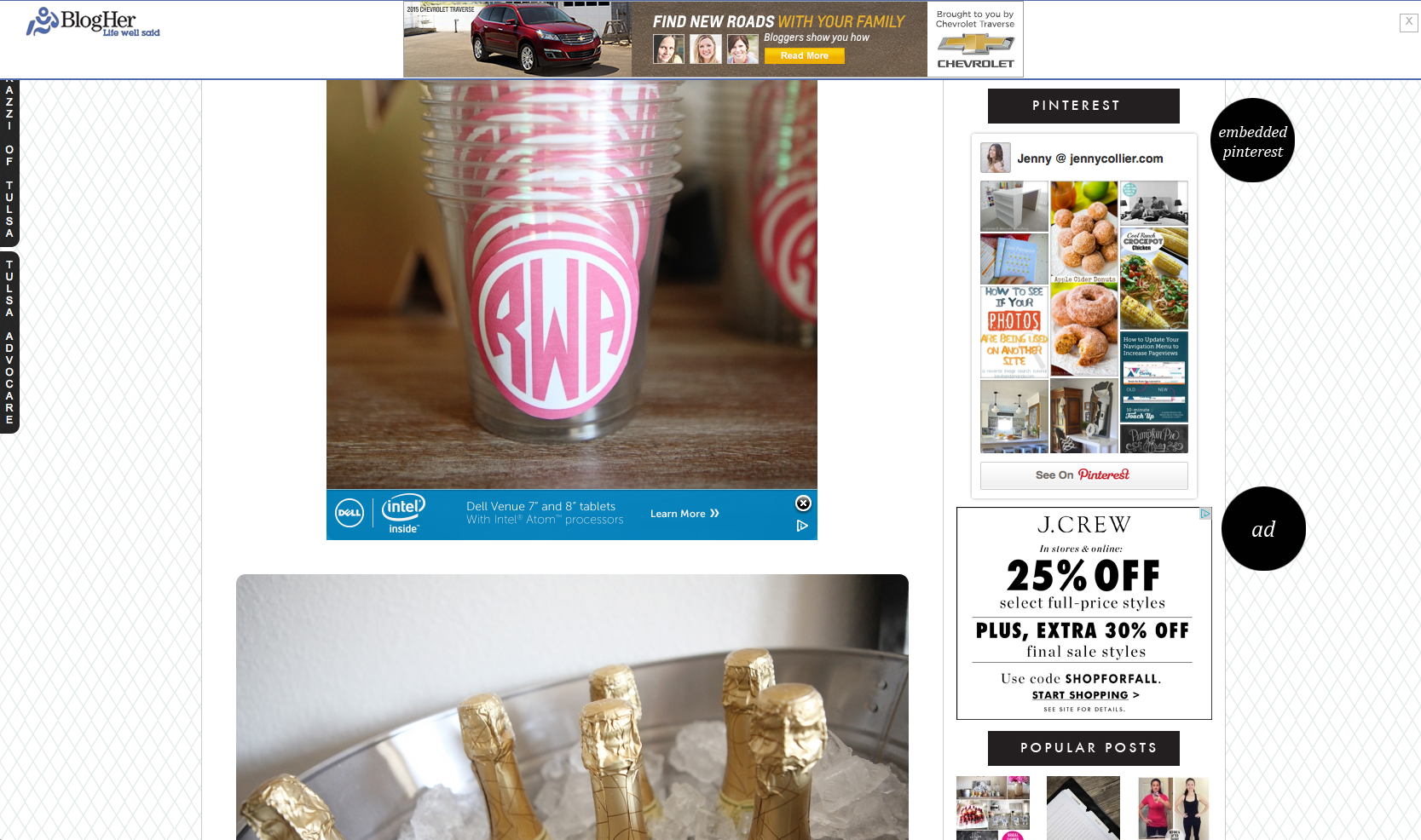
- Embedded Pinterest - I have seen an increase in my Pinterest following as well since embedding my recent pins on my sidebar. You can do this via Pinterest’s Widget Builder.
- Sidebar Ads - While the “above the fold” ads are important I also like to throw in some sidebar ads a bit lower. With large images in my blog posts most people scroll down quickly and sometimes miss the above the fold ads while the page is loading.
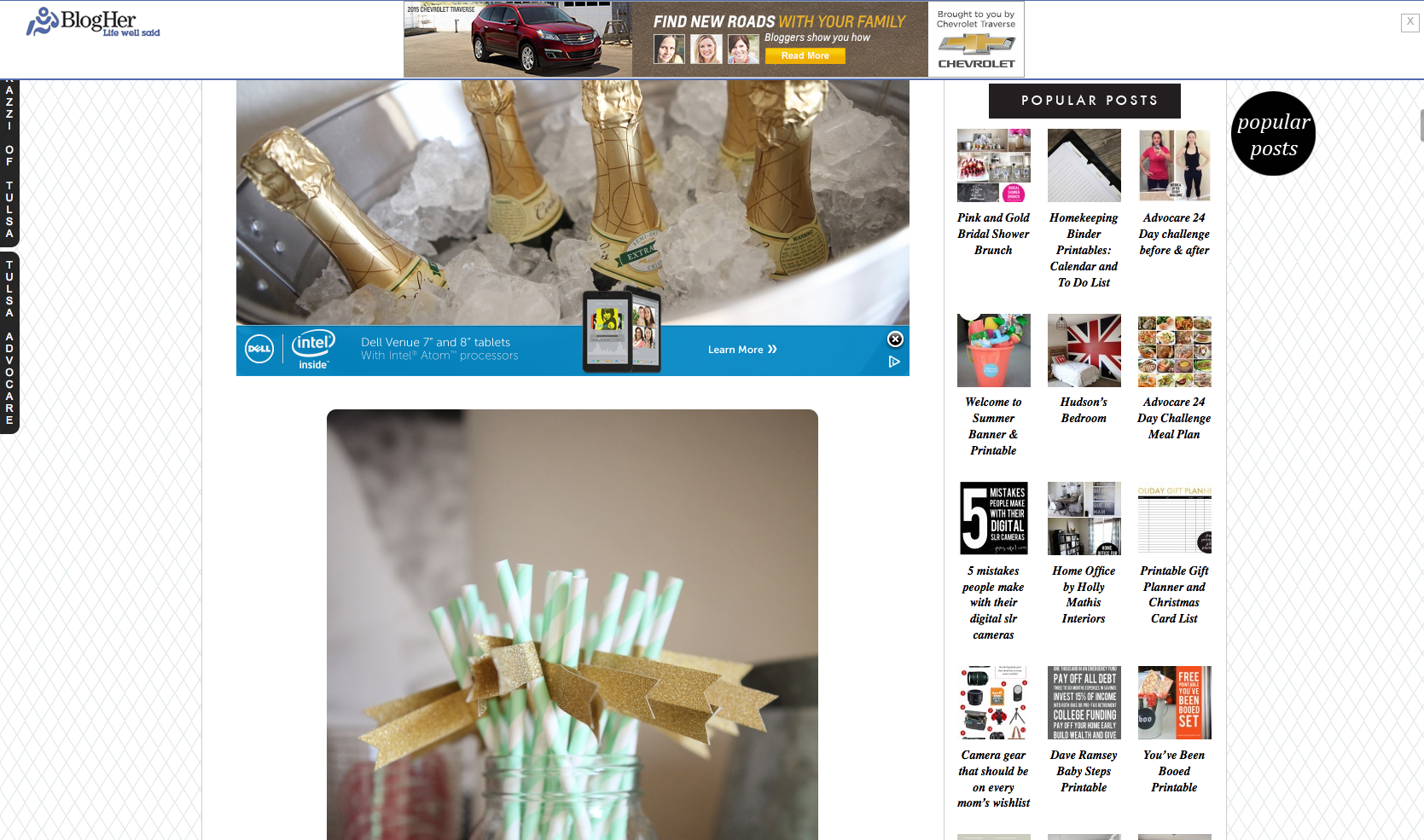
- Popular Posts - I list my popular posts on my sidebar for the same reason I list my topics in my menu…for new readers to see what my blog is about and to generate clicks.
Step #2 - Designing your blog
How to:
There are many themes you can choose from within WordPress itself. There are also many designers that will create a custom blog for you as well. Etsy is one of my favorite places to find custom blog designs inexpensively. Just make sure you are choosing a WordPress.ORG theme vs a WordPress.COM theme. There is a big difference!
In our next installment of the series we will be discussing all of my favorite plugins which make my life so much easier!

I LOVE this series! Thank you so much for taking the time to share this great information with us!
This is great! As someone who is just starting a blog, like just bought the domain name, this comes at a perfect time! Thank you!
Yay! Good to hear. I wish I would have known this stuff years ago. This series will be perfect for you!
So glad you’re enjoying. Thank you Miranda!